
How to turn off Advantage+ Creative
Lucas Lacerda
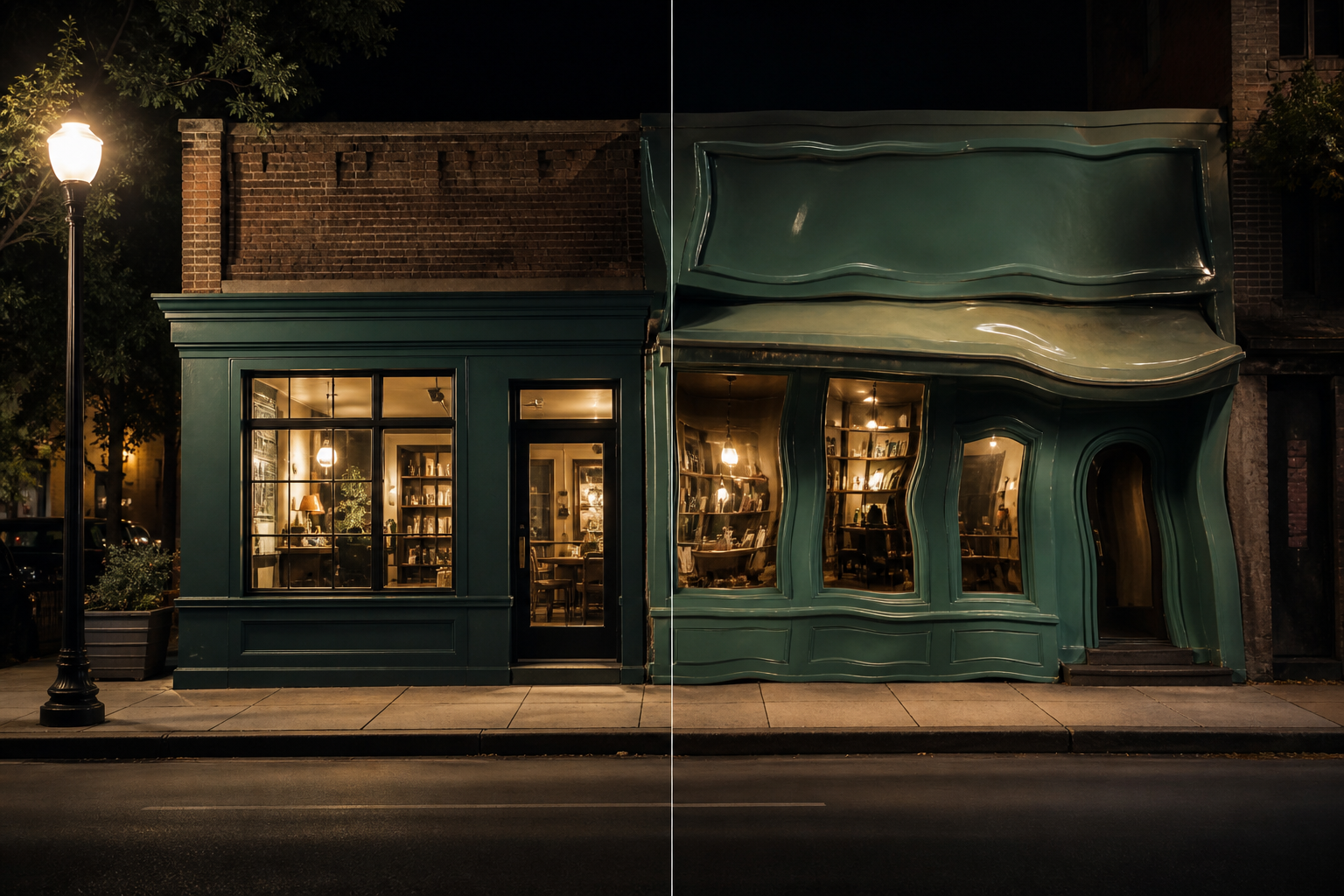
You put the ad live. The photo was fine. The copy was fine. A few days later someone sends you a screenshot from Instagram, and it is not what you published anymore.
The text changed. The image looks off. Sometimes the product does not even look like the same product. And the ad was already published. Meta is still messing with it.
That is Advantage+ Creative. It comes on by default in Ads Manager. It changes the image and the copy even after you have published. Nobody watching the feed knows the platform did that. They see the clinic name, the shop, the local service, and they think it was you.
What it changes
Fitting an ad into Stories or Reels is one thing. Crop it, frame it, fill the slot. That has been around for years, and it does not invent the product.
Swapping the message of an ad you already published is something else.
It takes the headline and body you ran together and remixes them. A curiosity headline stuck to a discount line looks like a scam. You did not write that pairing. It still replaces the original in the feed.
It also stretches the image and invents a background nobody shot. Or it generates a new photo: a product that does not exist, a person who does not work there, an offer that is not on the door. It puts music on a Reels placement over a video that already had a voice. It animates a still that was meant to sit still.
The name on the screen keeps moving: Advantage+ Creative, creative enhancements, optimizations. In practice it is the same job. The customer does not see what you published. They see what the platform did on top of it.
How to turn it off
Start with the ad that is already live. In Ads Manager, go to Ads, select the ad, and hit Edit. Look for Advantage+ Creative, enhancements, or optimizations. Turn off anything that touches the image, the copy, the audio, or the destination: image generation, expansion, text variations, music, animation.
Some of those switches only show up in advanced preview. Open the preview, check Stories, Reels, and Feed, then save. What counts is what is live right now.
Then go to the account. In advertising settings, turn off tests of new creative features and the recommendations Meta applies on its own. If you only clean the ad and leave the account as it is, the next one goes live with everything on again, and the platform starts changing it even after it is published.
A new campaign launches with this on. Duplicate one and the copy brings the same settings. Turning it off once does not fix it. Every time an ad goes live, look again.
Leave cropping, format fit, brightness and contrast, as long as the photo is still the photo. Take off anything that rewrites the copy or generates an image on top of what you already published. If the preview is not the ad you published, do not leave it live.
If you run a clinic, a shop, or a local service, this is not about the click. It is about the brand. The ad was already published. People think it was you. Meta says reviewing it is the advertiser's job. Anyone already paying for media every month treats this as part of the operation.
That is how F5 looks at paid traffic: the live ad has to be the ad you published.
If the live ad is not the one you published, tap through and talk to us on WhatsApp.
+55 37 98404-3274
f5.marketing.